Using GitHub with Carina
Carina does not allow SSH use with GitHub. You must use HTTPS. The URL can be found on the repo’s GitHub page, and it is used like this to clone a public repo:
git clone https://github.com/your-repo/your-repo.git
Cloning A Private Repo
Some repos are private and will require you to authenticate yourself. The best way to do this over HTTPS is to set up a Personal Access Token on GitHub, following their documentation.
Scope: Repo
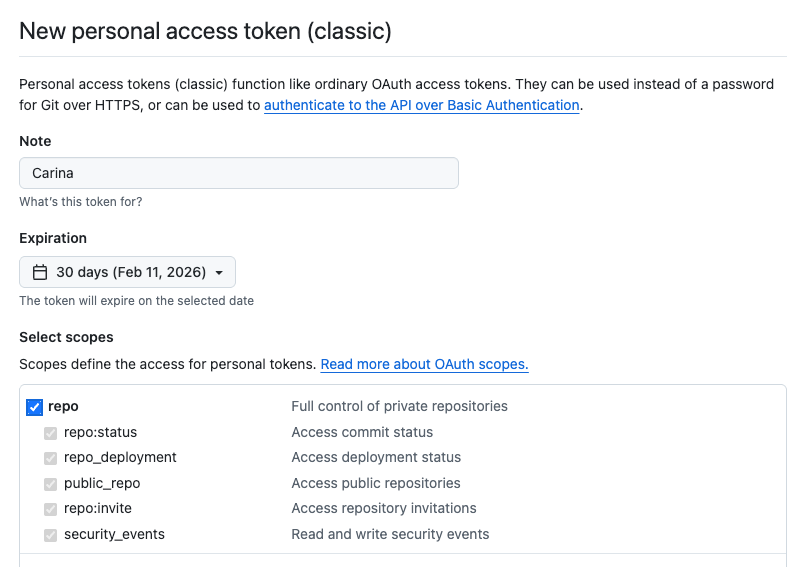
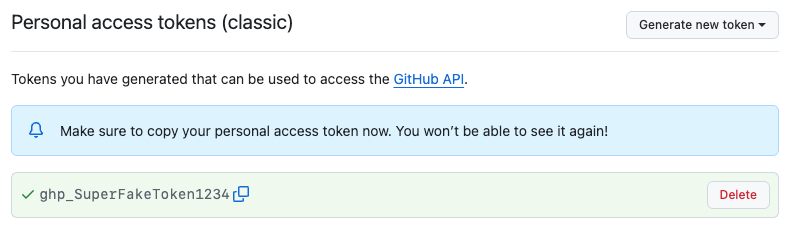
You will use this token instead of a password when accessing the private repo through the command line. The username/password pair is your GitHub username and the personal access token.
git clone https://github.com/your-repo.git
Username for 'https://github.com':
Type your GitHub username, not your SUnetID
Password for 'https://<you>@github.com':
Paste your personal access token